


Download Drawboard PDF – PDF Editor, PDF Reader, Digital Sketching, PDF Markup Tool
Overview
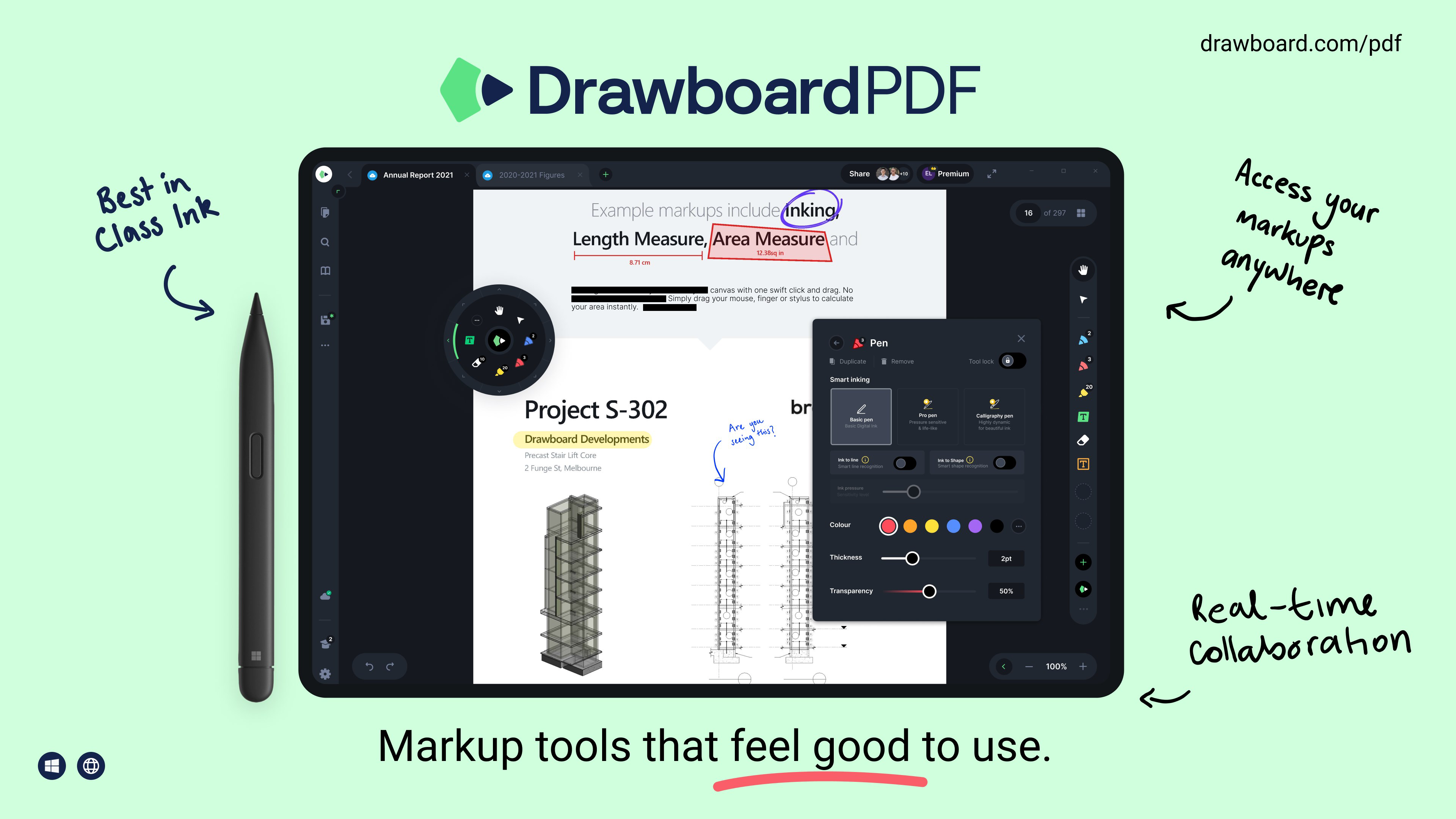
Drawboard PDF is a powerful mobile application designed for professionals and students who rely on precise, efficient, and intuitive PDF management. As a PDF reader and editor, it caters to a broad audience including engineers, architects, educators, and anyone involved in document-based workflows. The app’s core purpose is to deliver a pen-and-paper-like experience for annotating, editing, and collaborating on PDFs directly from a smartphone or tablet. By combining digital sketching with robust document tools, Drawboard PDF enhances productivity in both personal and team-based environments. Its real-time cloud sync functionality through the Store+Share feature ensures that all changes are instantly accessible across devices, making it ideal for remote collaboration. The app supports a range of real-world use cases, from marking up architectural blueprints and drafting engineering notes to reviewing academic papers and preparing classroom materials. With its focus on accuracy and usability, Drawboard PDF fills a critical gap in the mobile productivity ecosystem. The developer, Drawboard, has established a reputation for delivering high-quality tools tailored to creative and technical professionals. Although the developer did not provide additional technical details, the app’s long-standing presence since 2013 underscores its reliability and continued relevance in a competitive market.
Key Features & Functionality
- Real-Time Cloud Sync (Store+Share): Enables instant synchronization of annotated PDFs across devices. Ideal for teams working on shared documents, ensuring everyone has access to the latest version without delays.
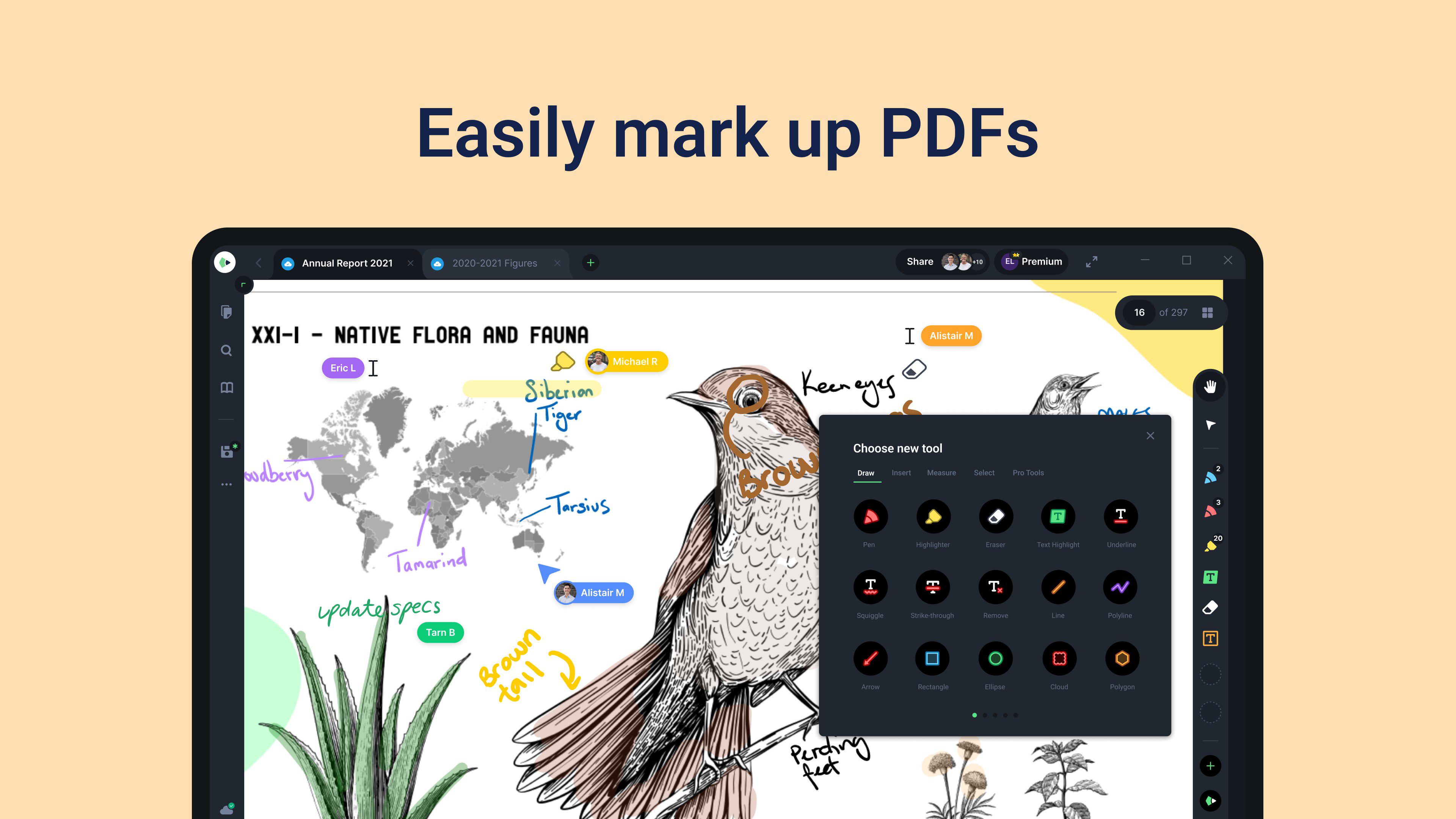
- Advanced Editing Tools (Pro Version): Includes document merging, custom measurement functions, and a wide array of annotation styles. These tools allow users to restructure and refine PDFs to meet specific project requirements.
- Custom Annotation Features: Offers grids, line templates, and a color picker to personalize notes and sketches. This enhances clarity and visual organization, especially useful in complex technical drawings.
- Text Review Export: Allows saving text annotations as .txt or .csv files. This feature streamlines data extraction for reports, feedback compilation, or integration with other software systems.
- Digital Measurement Tools: Equipped with a digital protractor and customizable measurement functions. These tools are essential for professionals in engineering and architecture who require precision in their documentation.
Each feature is designed with real users in mind. For example, an architect can use the digital protractor to measure angles on a blueprint and immediately annotate the result, while a student can use the color picker to highlight key points in a research paper. The ability to export annotations as text files also benefits professionals who need to compile feedback from multiple reviewers. These tools collectively support a seamless workflow from review to finalization, reducing manual data entry and minimizing errors.
Interface, UX & Performance
The interface of Drawboard PDF is clean, intuitive, and optimized for touch-based interaction. The layout prioritizes accessibility, placing essential tools within easy reach of the user’s thumb, which improves efficiency during long annotation sessions. Visual style is minimalistic yet functional, with a focus on clarity and responsiveness. Navigation is straightforward, allowing users to switch between documents, tools, and cloud storage with minimal taps. The app supports smooth pen input, delivering a natural drawing experience that closely mimics handwriting on paper. Although the developer did not list formal performance metrics, the app demonstrates consistent responsiveness across various device categories, including mid-range and high-end Android tablets and smartphones. Stability appears strong, with no reported issues related to crashes or data loss. The user experience is further enhanced by the app’s fast loading times and efficient memory usage, even when handling large PDF files. Overall, the app maintains a high level of performance under typical usage conditions, making it suitable for daily professional use. The combination of an accessible interface and reliable performance ensures that users can focus on their work without technical distractions.
Platform Compatibility & Technical Requirements
Drawboard PDF is available exclusively on the Android platform. The current version is 6.2.0, with a file size of 44.5 MB. This compact footprint ensures quick installation and minimal storage impact, which is beneficial for users with limited device space. The app is compatible with a wide range of Android devices, though specific minimum OS requirements were not listed by the developer. It is recommended to use the latest version of Android for optimal performance and security. The app supports both smartphones and tablets, making it versatile for different usage scenarios. While the developer did not specify exact hardware or software prerequisites, the app’s lightweight design suggests broad compatibility across various Android device models. Users are encouraged to check their device’s system settings for compatibility before installation. The app’s update frequency and support for new Android versions are not publicly disclosed, but its long-standing presence in the market indicates ongoing maintenance and development.
Pros and Cons
Pros
- Intuitive, pen-friendly interface ideal for digital sketching and annotation.
- Real-time cloud sync enables seamless team collaboration.
- Advanced tools like digital protractor and measurement functions enhance precision.
- Supports export of text annotations in standard formats (.txt, .csv).
- Compact file size (44.5 MB) ensures fast installation and low storage usage.
Cons
- Price point of $19.99 may be high for casual users.
- Android-only availability limits cross-platform access.
- Specific system requirements were not disclosed.
- Pro version features are locked behind a paywall.
- Limited information on update frequency and long-term support.
FAQ
Is Drawboard PDF safe to download and use?
Yes, Drawboard PDF is a secure mobile application developed by a reputable company. It does not require excessive permissions and is available through official Android channels. Users should ensure they download the app from trusted sources such as the Google Play Store to maintain security.
Can I use Drawboard PDF on iOS devices?
As of now, Drawboard PDF is only available on Android. There is no official iOS version released. Users seeking cross-platform access may need to rely on web-based alternatives or consider other tools for Apple devices.
How often is Drawboard PDF updated?
The update schedule for Drawboard PDF is not publicly disclosed. However, the app has been actively maintained since its launch in 2013, suggesting regular improvements and bug fixes. Users are advised to keep the app updated for the best experience.
What file formats does Drawboard PDF support?
Drawboard PDF primarily supports PDF files. It allows users to view, annotate, and edit PDFs but does not currently support conversion or editing of other document formats such as DOCX or XLSX.
Does Drawboard PDF require an internet connection?
While the core features of viewing and annotating PDFs can be used offline, real-time cloud sync (Store+Share) requires an active internet connection. For full collaboration functionality, an internet connection is necessary.
Final Thoughts
Drawboard PDF stands out as a premium mobile solution for anyone needing advanced PDF editing and annotation capabilities. Its blend of precision tools, intuitive design, and cloud collaboration makes it a valuable asset in technical, academic, and professional environments. While the $19.99 price tag may deter casual users, the app delivers exceptional value for those who rely on accurate, efficient document management. The pen-and-paper feel, combined with digital enhancements like measurement tools and export options, ensures a smooth and productive workflow. For engineers, architects, educators, and students, this app is more than just a PDF reader—it’s a comprehensive digital workspace. Its Android-exclusive availability is a limitation, but the robust feature set justifies its position in the mobile productivity landscape. If you’re serious about PDF editing on mobile, Drawboard PDF is a must-have tool.
Download Drawboard PDF now


